
Description and photos together
The person reporting the issue provides the information needed to understand it. Comments and attachments help clarify details during handling.
Features / Issue reporting
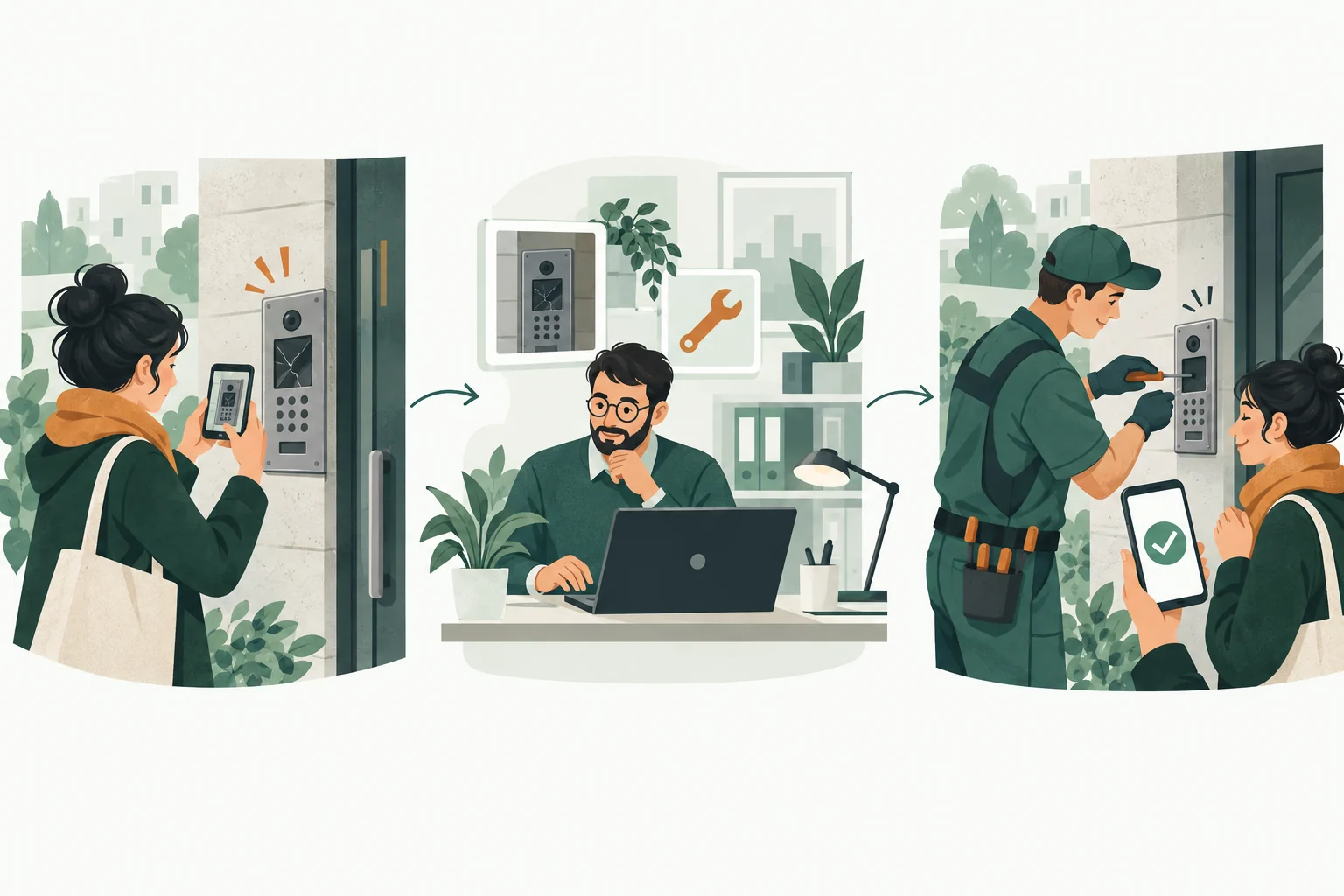
A broken light, a faulty intercom or a problem in a shared area. Residents describe the issue, and the organisation manages it in an organised queue.
Each request retains its own context: description, attachments, communication and status. Both sides can return to the information without searching separate messages.
The person reporting the issue provides the information needed to understand it. Comments and attachments help clarify details during handling.
The organisation assigns someone to the matter and updates its status. The queue distinguishes new requests from work in progress and matters awaiting a reply.
Residents return to their request in the app to see responses and its current state. Closing the matter retains a history that can be referred to later.
Decide which matters to organise first and who will be responsible for them.
Configure its structure, roles and modules. Invite members to the appropriate organisation.
Publish your first announcement, handle an issue and show members where to find a response.
Yes. Attachments can illustrate the problem, while a description and location help the organisation identify what needs attention.
Access is tied to the request, membership and permissions in the organisation. Private matters are not public content on the product website.
No. Organisations can use request types and templates that reflect their processes. The appropriate scope is agreed during deployment.
We will show you the relevant modules and work out where to start.
Book a demo